




15 Best Free SEO Tools Every Website Owner Should Use
Have you ever published a blog post, waited for visitors, and wondered why nobody was finding your website? You are not alone. Many website owners create useful content but struggle to attract visitors from Google.
The problem is not always the quality of your writing. Sometimes, you simply need better information about what people are searching for, how Google sees your website, and what needs fixing.
This is where free SEO tools become useful. They help you discover keywords, check website performance, find technical problems, and understand how visitors find your content.
The good news is that you do not need an expensive monthly subscription to start improving your website. There are several free SEO tools that can help beginners and experienced website owners make smarter decisions.
In this guide, we will explore 15 useful options, what each one does, and how you can use them to grow your website.
Why Every Website Owner Needs Free SEO Tools
Imagine opening a shop in a busy town but having no signboard. People may walk past without knowing what you sell. A website without SEO is quite similar.
Search engine optimization helps people discover your website when they search for information, products, or services. However, improving SEO without information is like trying to find your way around a new city without a map.
Free SEO tools provide that map. They help you discover popular search terms, understand your website’s performance, and identify problems that may affect your visibility.
For example, a food blogger might discover that people search for “easy Nigerian breakfast recipes” more often than a general phrase like “breakfast ideas”. That information can help the blogger create more useful content.
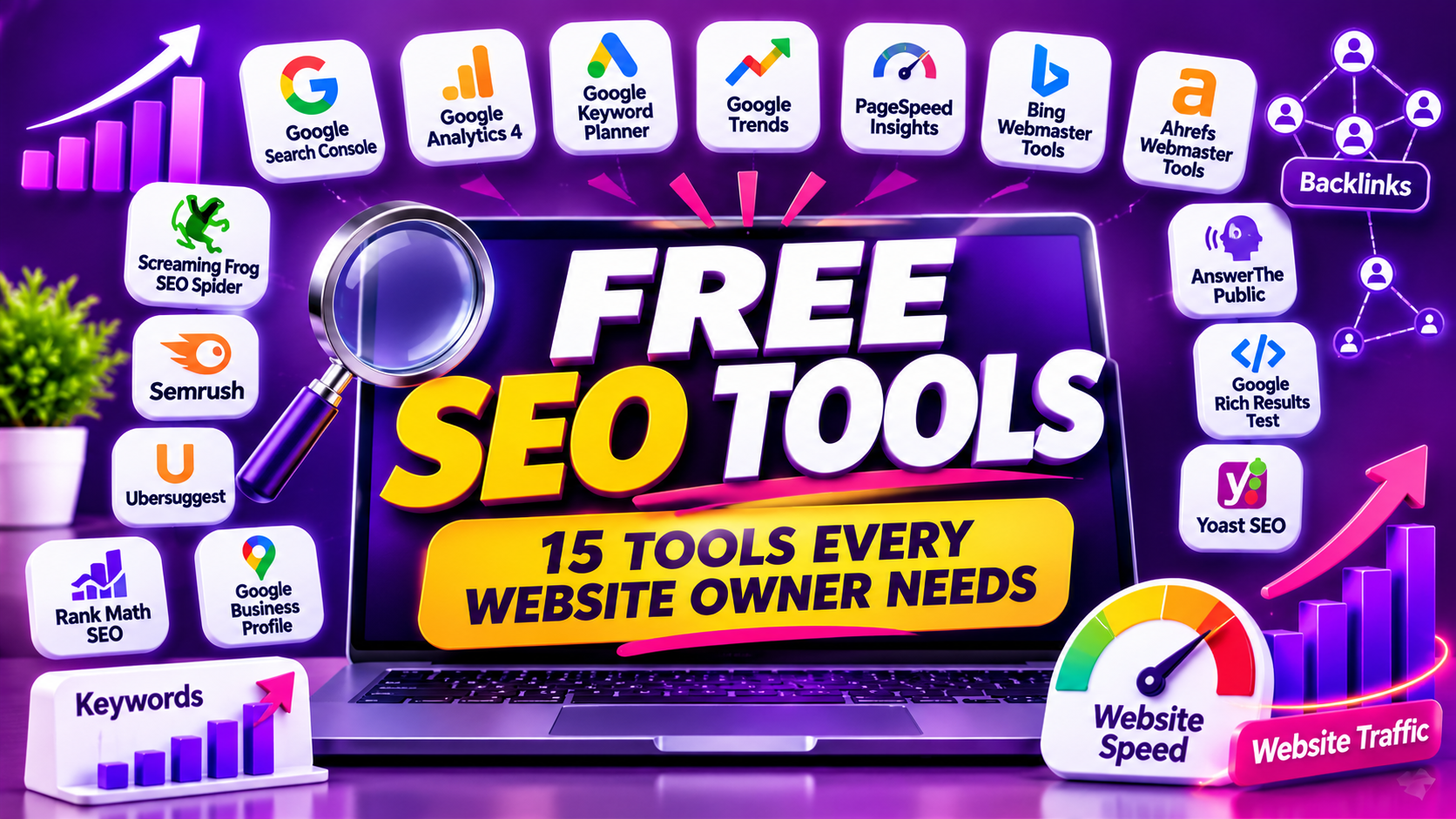
15 Best Free SEO Tools to Grow Your Website
Here are 15 free SEO tools worth exploring. Some are completely free, while others offer limited free plans. Always check their current terms before relying on a particular feature.
1. Google Search Console
Google Search Console is one of the most important free SEO tools for website owners. It helps you understand how Google finds, reads, and displays your website in search results.
You can see which search terms bring visitors, how many people click your pages, and whether Google has trouble indexing your content.
For example, if your article receives 500 impressions but only five clicks, you may need to improve its title or description. It is a useful place to start when planning your next SEO improvement.
2. Google Analytics 4
Google Analytics 4, also called GA4, helps you understand what happens after people visit your website.
It shows information about website traffic, visitor activity, popular pages, and how people interact with your content.
For example, imagine that 100 people visit your website, but most leave after reading one page. GA4 can help you investigate which pages attract attention and where visitors go next.
3. Google Keyword Planner
Google Keyword Planner helps you discover search terms related to your business or blog.
Enter a topic such as “website design” and the tool will suggest related keywords. It also provides estimates of search demand and advertising competition.
You need a Google Ads account to access it, but you do not have to run an advertising campaign to use its keyword research features. Search volume estimates may be shown in ranges, depending on your account.
4. Google Trends
Google Trends helps you understand how interest in a particular topic changes over time.
For example, you can compare searches for “online jobs” and “remote jobs” to see how interest in those topics changes. You can also explore regional interest, including searches in Nigeria.
This is especially helpful when planning seasonal content. Instead of publishing an article when nobody is searching for the topic, you can use trends to identify better publishing opportunities.
5. Google PageSpeed Insights
A slow website can make visitors impatient. Google PageSpeed Insights helps you check how quickly your web pages load on mobile phones and computers.
Enter your website address, and the tool will provide performance information and suggestions for improvement.
For instance, it may identify large images, unnecessary scripts, or other elements affecting page speed. You do not need to understand every technical term immediately. Start with the recommendations you can safely fix.
6. Bing Webmaster Tools
Bing Webmaster Tools helps you understand how your website performs in Microsoft’s Bing search engine.
It provides information about search performance, indexing, website health, and other SEO opportunities.
Think of it as another window into your website’s search visibility. Even if most of your visitors come from Google, monitoring another search engine can provide useful information and help you discover additional opportunities.

7. Ahrefs Webmaster Tools
Ahrefs Webmaster Tools, now offered under Ahrefs Free, helps website owners examine their own verified websites.
Its features include website audits, backlink information, and SEO performance insights.
For example, you can discover websites linking to your content and identify technical problems that may need attention. This makes it useful for understanding your website’s authority and overall condition. Some features and data allowances are limited compared with paid plans.
8. Screaming Frog SEO Spider
Screaming Frog SEO Spider is a desktop tool that scans websites and identifies technical SEO problems.
It can help you find broken links, missing page titles, duplicate descriptions, redirects, and other issues.
Imagine having 100 blog posts and checking every page manually. That could take hours. Screaming Frog makes this work easier by scanning many pages and organising the results. Its free version allows you to crawl up to 500 URLs per crawl.
9. Semrush
Semrush is a popular SEO platform with several free tools and limited free account features.
You can use its available free features to explore keyword ideas, check website SEO health, investigate backlinks, and examine search visibility.
For example, if you want to write about website design, Semrush can help you explore related search phrases. However, its free access has restrictions, so it is best used for occasional research rather than unlimited daily work.
10. Ubersuggest
Ubersuggest is another useful option for keyword research and website analysis.
It can suggest related keywords, provide search estimates, show content ideas, and offer information about website performance.
Suppose you want to write about “digital marketing for small businesses”. Ubersuggest can help you discover related phrases and questions worth covering in your article. Its free searches are limited, so plan your research before using them.
11. AnswerThePublic
AnswerThePublic helps you discover questions people ask about a particular topic.
Enter a phrase such as “website SEO”, and you may find questions beginning with words like what, why, how, and where.
These questions can become blog post ideas, frequently asked questions, and useful article sections. For example, “How can I improve my website SEO for free?” could become a complete beginner-friendly guide.
The free version has usage restrictions, but it can still be helpful when you need fresh content ideas.
12. Google Rich Results Test
Google Rich Results Test helps you check whether eligible structured data on your website can support rich search results.
Structured data provides search engines with additional information about your pages. For example, it can describe a product, recipe, or event.
The tool helps identify errors that could affect eligibility for supported rich results. Remember that passing the test does not guarantee that Google will display a rich result for your page.
13. Yoast SEO
Yoast SEO is a popular WordPress plugin that helps website owners improve their on-page SEO.
It provides guidance on page titles, meta descriptions, focus keyphrases, readability, and other content improvements.
For example, when writing a blog post, Yoast can remind you to add a useful title, include your keyphrase naturally, and improve your description. Its free version is enough for many basic WordPress SEO tasks.
14. Rank Math SEO
Rank Math SEO is another WordPress plugin that helps you manage important SEO settings.
It offers features for editing metadata, creating structured data, managing sitemaps, and checking on-page optimization.
It can be useful if you want more SEO controls inside your WordPress dashboard. However, you should not install several SEO plugins that perform the same jobs. Choose one main plugin and configure it properly.
15. Google Business Profile
Google Business Profile is especially useful for local businesses that want to appear in Google Search and Maps.
Business owners can add their business name, address, phone number, opening hours, photos, and services.
For example, a web design company in Port Harcourt can use its profile to help nearby customers discover its services. Keeping business information accurate and encouraging genuine customer reviews can improve the usefulness of your profile.

How to Choose the Best Free SEO Tools for Your Website
You do not need to use all 15 free SEO tools every day. Choosing tools based on your needs will save time and help you avoid unnecessary work.
If you are a blogger, start with Google Search Console, Google Trends, and Keyword Planner. These can help you understand search performance and find useful topics.
If you manage a WordPress website, consider using either Yoast SEO or Rank Math. Add PageSpeed Insights and Screaming Frog when you need to check website performance and technical problems.
You can also explore Ahrefs Free or Semrush when you need additional information about backlinks and keyword opportunities. Remember that free access to some platforms comes with limits.
For more guidance on improving your website content, read our article on SEO vs Copywriting: What’s the Real Difference?.
Can You Grow Your Website Using Only Free SEO Tools?
Yes. You can make meaningful SEO improvements without paying for expensive software.
The important thing is to use the information correctly. Finding a keyword is only the first step. You still need to create helpful content, organise your website properly, improve page speed, and make your pages easy to use.
For example, Google Search Console may show that an article is appearing for a particular search phrase. You can update that article to answer the searcher’s question more clearly and add links to other useful pages on your website.
You should also review your website regularly. Fix broken links, update old information, improve weak titles, and check whether important pages are being indexed.
For additional ideas, explore our guide on 10 Top Ranking Factors for Local SEO Success.
You can also discover more ways to attract visitors through our guide to Free Ways to Promote Your Business Online for Beginners.
Final Thoughts on the Best Free SEO Tools
Growing a website does not have to be expensive. The 15 free SEO tools covered in this guide can help you research keywords, monitor search performance, improve website speed, find technical problems, and discover new content opportunities.
If you are just starting, do not overwhelm yourself by signing up for every platform. Begin with Google Search Console, Google Analytics 4, and Google PageSpeed Insights. Add other tools as your website grows and your needs change.
Remember, tools alone will not make your website successful. The real results come from understanding the information they provide and using it to make your website more helpful to visitors.
Ready to improve your website’s visibility? Start exploring these free SEO tools today, put what you learn into practice, and keep improving one page at a time.
Need professional help? Visit WEBILITI DIGITAL AGENCY to explore our website design, SEO optimization, and digital marketing services.
Leave a Reply