



How to Create YouTube Videos with AI: The Ultimate Step-by-Step Guide for Beginners
Have you ever sat in front of a blank computer screen, watching a blinking cursor, wishing you had a magical crew of filmmakers to do the heavy lifting for you? You have this fantastic idea for a YouTube channel. Maybe you want to teach people how to cook, share historical mysteries, or explain how video games are made. But then reality hits you like a cold splash of water. You realize you need to write a script, buy a expensive microphone, learn how to edit videos, and somehow find the confidence to record your own voice. It feels like trying to climb Mount Everest in a pair of flip-flops.
Well, what if I told you that you don’t need a Hollywood budget or a room full of expensive equipment to share your stories with the world? Today, the game has completely changed. Thanks to modern technology, you can easily create YouTube videos with AI right from the comfort of your own desk. Think of artificial intelligence not as a scary robot trying to take over the world, but as a super-fast, highly-obedient virtual assistant. It is a tool that handles the repetitive, time-consuming parts of video production so you can focus on what really matters: your unique ideas.
In this beginner-friendly guide, we are going to break down the exact steps to build your dream channel from scratch. We will cover everything from writing engaging scripts to generating stunning animations and realistic voices. By the end of this post, you’ll have a clear, simple blueprint to turn your creative sparks into fully realized videos that people will actually want to watch. Let’s dive in!
The Secret Benefits When You Create YouTube Videos with AI
When most people think about making videos, they imagine long nights spent cutting clips, adjusting audio levels, and crying over slow render times. It’s exhausting! This is exactly why so many brilliant creators quit before they even upload their first video. But when you create YouTube videos with AI, you are essentially giving yourself a superpower. You can skip the tedious setup and fast-forward straight to the creative part. It is like having a key that unlocks a fast-travel option in a massive video game.
Imagine you are a solo creator running a busy day job. Normally, producing a high-quality ten-minute video could easily take you fifteen to twenty hours of intense work. You have to write, record, gather footage, and edit. With smart digital assistants, you can compress that entire timeline down to just two hours. This incredible speed means you can publish videos consistently without burning out. In the world of YouTube, consistency is the absolute king. The more high-quality videos you post, the more opportunities you give the algorithm to find your perfect audience.
Furthermore, utilizing these tools tears down the massive financial walls that keep people out of the creator economy. You no longer need to spend thousands of dollars on high-end cameras or professional lighting kits. If you are naturally shy or don’t want your face on the internet, you can easily run a highly successful “faceless channel.” This allows you to protect your privacy while still building a powerful personal brand or a lucrative side hustle.
💡 Ready to build a smart toolkit? Before you start rendering, you need the right instruments in your digital workshop. Check out our curated list of the Best Free AI Tools for Small Businesses to see how you can scale your brand without spending a single dime!
Step 1: Brainstorming and Scripting Your Video
Every great video starts with a solid foundation. Think of a script as the structural map of your entire production. Just like you wouldn’t embark on a road trip to an unfamiliar city without a reliable GPS, you shouldn’t jump into recording without a clear narrative guide. A script keeps your thoughts organized, ensures your message is clear, and prevents you from rambling. But staring at a blank page can feel incredibly intimidating. This is where your virtual co-writer steps onto the stage to save the day.
How an AI Script Writer Makes Storytelling Easy
An AI script writer acts like a brilliant, well-read friend who has studied every successful video on the internet. When you use tools like ChatGPT or Google Gemini, you can type in a simple prompt like, “Write a fun, fast-paced script for a 5-minute YouTube video about why felines find cardboard boxes absolutely irresistible.” Within moments, the software generates a detailed, scene-by-scene breakdown complete with a hook, main body points, and a strong call to action. It gives you a solid block of clay that you can easily sculpt into a masterpiece.
However, the secret to making this work is to never simply copy and paste the raw output. If you do that, your video will end up sounding robotic, dry, and lifeless. Instead, treat the generated draft as a starting point. Inject your own humor, share a personal story about your pet, and rewrite sentences so they match the natural rhythm of how you actually talk to your friends. Remember, viewers subscribe to people, not algorithms. They want to feel a genuine human connection when they press play.
To make your script stand out, focus heavily on the first fifteen seconds. In the digital world, human attention spans are shorter than those of a goldfish. Your opening hook needs to grab the viewer by the collar and explain exactly why they should stay. You can ask your digital writing assistant to give you five different, highly engaging hook options for your topic. This simple trick will dramatically increase your viewer retention, which is the secret sauce to getting recommended by the platform.
Step 2: Creating Visuals and Footage
Once your script is polished and ready, it is time to think about what your audience will actually see on the screen. Traditionally, this meant going out with a camera to shoot custom footage or spending hours digging through expensive stock footage websites to find clips that barely matched your topic. Today, we can bypass this entire headache using advanced visual generators.
Using Text-to-Video AI and AI Video Generators
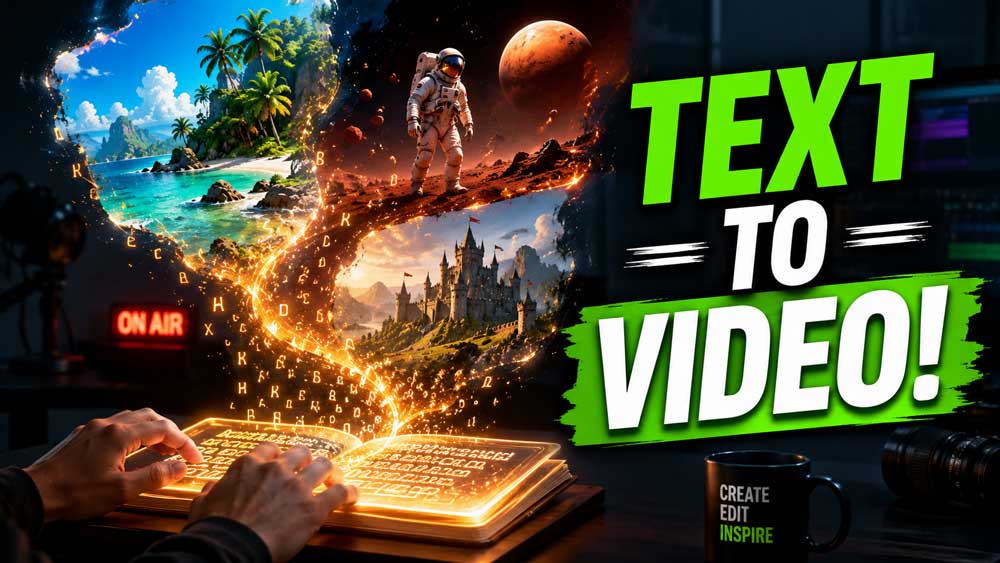
Modern AI video generators are nothing short of magic. By using advanced text-to-video AI tools, you can type a descriptive sentence and watch a high-definition video clip appear out of thin air. For example, if you type, “A cinematic, close-up shot of a cozy wooden cabin in the middle of a snowy forest at sunset, smoke gently rising from the chimney,” the software will generate a unique, gorgeous clip that matches your description perfectly. This is an absolute game-changer for creators who make educational, documentary, or storytelling videos.
When you use these generators, think of yourself as a movie director. Instead of shouting orders through a megaphone, you are guiding the system with detailed, descriptive prompts. You can specify the lighting, the camera angles, the art style, and even the emotional mood of the scene. If a clip doesn’t look quite right on the first try, you can simply adjust your words to tweak the results. It is an iterative, playful process that makes visual creation feel more like playing a video game than doing hard labor.
For standard web content, you can also use automated platforms like InVideo or CapCut. These tools can take your completed script, analyze the meaning behind your words, and automatically stitch together relevant stock clips, subtitles, and smooth transitions in one click. This is incredibly efficient for turning blog posts or news articles into engaging, fast-paced videos for social media.
💡 Want to explore more creation tools? The landscape of digital creation is moving faster than ever. Stay ahead of the curve by exploring our comprehensive guide on the Best AI Content Creation Tools for 2026 to discover the latest secret weapons that top creators are using to dominate search results!
Step 3: Generating High-Quality Audio
Sound is actually more important than video quality. Think about it: have you ever sat through a video with slightly blurry footage but clean, clear audio? Probably. But have you ever stayed on a video with beautiful 4K footage but terrible, static-filled, quiet audio that hurts your ears? Almost certainly not. If your audio is bad, viewers will click away in a heartbeat.
Elevating Your Audio with an AI Voiceover Tool
If you are uncomfortable using your own voice, or if you don’t own a professional recording setup, a modern AI voiceover tool is your golden ticket. Gone are the days of the classic “text-to-speech” voices that sounded like a broken microwave repeating words in a flat, robotic monotone. Today’s vocal generators can mimic human emotion, insert natural pauses, laugh, sigh, and change their tone based on the context of the sentence. Platforms like ElevenLabs allow you to select from hundreds of realistic voices across different ages, accents, and languages.
To get the absolute best results, you need to format your text carefully. If you want the voice to pause for dramatic effect, use punctuation like dashes or ellipses. If a word needs emphasis, you can write it in capital letters or adjust the stability settings inside the software. Treat the tool like a voice actor; give it clear directions through your punctuation and sentence structure.
If you prefer to use your own voice but hate the sound of your cheap microphone, you can also use audio enhancement tools. Programs like Adobe Podcast can take a messy, echoey recording done on a cheap phone in a noisy room and magically clean it up so it sounds like it was recorded in a professional, soundproof radio studio. This ensures your final product always sounds incredibly polished and professional.
Step 4: Video Editing and YouTube Automation
Now that you have your script, your stunning visuals, and your crystal-clear voiceover track, it is time to assemble them all into a cohesive masterpiece. This is the editing stage, and for many, it is the most tedious part of the entire journey. Fortunately, modern editing software has received an artificial intelligence upgrade that makes the process incredibly smooth.
Streamlining Your Workflow Using YouTube Automation
Using these tools to edit is often referred to as building a system for YouTube automation. Tools like Descript allow you to edit your video by simply editing a text document. When you upload your audio, the program automatically transcribes it into a written document. If you want to delete a part of the video where you stumbled or said “um,” you simply highlight that word in the text and press delete. The software automatically cuts the corresponding video and audio clips seamlessly. It makes the entire post-production workflow feel like tweaking a basic text file.
Furthermore, these tools can automatically generate eye-catching captions that pop up on the screen in sync with the audio. Dynamic captions keep viewers highly engaged, especially mobile users who often watch videos with the sound turned off. The software can also automatically detect and remove silent gaps, filler words, and background noise, saving you hours of manual cutting and trimming.
Once your video is assembled, you can use these tools to generate your meta assets. You can ask your digital assistant to analyze your final script and suggest ten highly clickable video titles, a detailed description packed with relevant keywords, and even optimized tags. This ensures your video is fully prepared to climb to the top of the search results.
💡 Supercharge your growth today! Creating great videos is only half the battle; you also need to get eyes on your content. Master the art of driving traffic to your channel by checking out our ultimate guide on How to Get Free YouTube Views Fast and watch your subscriber count soar!
The Golden Rules to Create YouTube Videos with AI Safely
While these tools are incredibly powerful, you must use them responsibly to build a long-lasting, successful channel. YouTube values original, high-quality content that provides genuine value to its viewers. If you simply upload low-effort, mass-produced videos with zero human touch, the platform’s algorithm may flag your uploads under its policy for duplicate or auto-generated material. This can block your path to joining the Partner Program. To avoid this trap, you must blend technology with authentic human curation.
This collaborative approach keeps you in the driver’s seat. Think of AI as your assistant, but remember that you are still the executive producer. Use the technology to generate your rough drafts, create background clips, and clean up your audio. However, you must remain the ultimate creative director who guides the overall artistic vision. Infuse your unique personality, perform thorough fact-checking, and make sure every video you publish feels cohesive, entertaining, and highly valuable.
Additionally, always stay compliant with YouTube’s community guidelines. If you use synthetic media to create realistic, altered, or synthetic content (like realistic deepfakes of real people), make sure to check the “Altered Content” label in your upload settings according to the YouTube Creator Guidelines. Being honest and transparent with your audience builds deep trust, and trust is the ultimate currency on the internet.
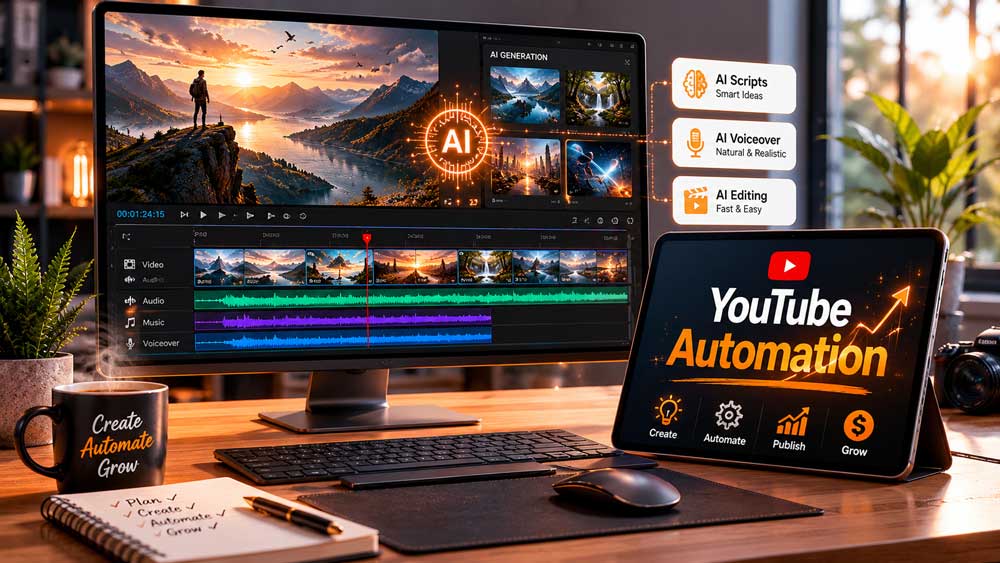
Summary of the Perfect AI Video Creation Process
To make things as simple as possible, here is a quick cheat sheet of the exact workflow you should follow to publish your first video:
| Phase | Core Task | Best Tool Category | Human Touch Needed |
|---|---|---|---|
| Phase 1 | Brainstorming & Scripting | AI Writers (ChatGPT, Gemini) | Add personal stories, humor, and unique angles. |
| Phase 2 | Voiceover Generation | AI Voice Tools (ElevenLabs) | Adjust pacing, emphasis, and correct pronunciations. |
| Phase 3 | Visual Generation | Text-to-Video / Stock finders | Select matching styles and maintain visual continuity. |
| Phase 4 | Video Editing | Text-Based Editors (Descript) | Trim awkward cuts, add custom music, and fix captions. |
| Phase 5 | SEO & Uploading | SEO Analyzers | Write custom, irresistible titles and thumbnails. |
Conclusion: Start to Create YouTube Videos with AI
There has never been a more exciting time to be a content creator. The barriers that once held back passionate storytellers—like lack of budget, complex editing skills, or camera shyness—have completely dissolved. When you create YouTube videos with AI, you are taking control of your creative journey and building an automated studio that fits right inside your laptop.
Remember, the most important step in this entire guide is simply taking action. Your first video does not need to be a flawless masterpiece. In fact, it probably won’t be, and that is completely okay! Every successful creator started with zero subscribers and a messy first upload. The key is to start, experiment with these amazing tools, learn from your analytics, and continuously improve with every single upload.
So, what are you waiting for? Open up your browser, boot up your digital assistants, and start sharing your unique voice with the world today. Your future audience is waiting to press play!
💡 Ready to turn your online presence into a thriving business? AI isn’t just for video creation—it’s the ultimate growth accelerator. Discover how you can use these smart technologies to skyrocket your entire brand by reading our full guide on How AI Can Help You Grow Your Business Online.
If you want a complete hands-on partner to scale your website, design stunning pages, and manage your digital growth, check out the expert services at the Webiliti Digital Agency Home Page and let us help you dominate your industry!

Trackback: Best AI Tools for Social Media Content | Digital Agency Nigeria
Trackback: How to Get Free YouTube Views Fast 2026 | Digital Agency Nigeria